
Get help from our team
How to open a support request and what to include so we can help quickly.
On this page
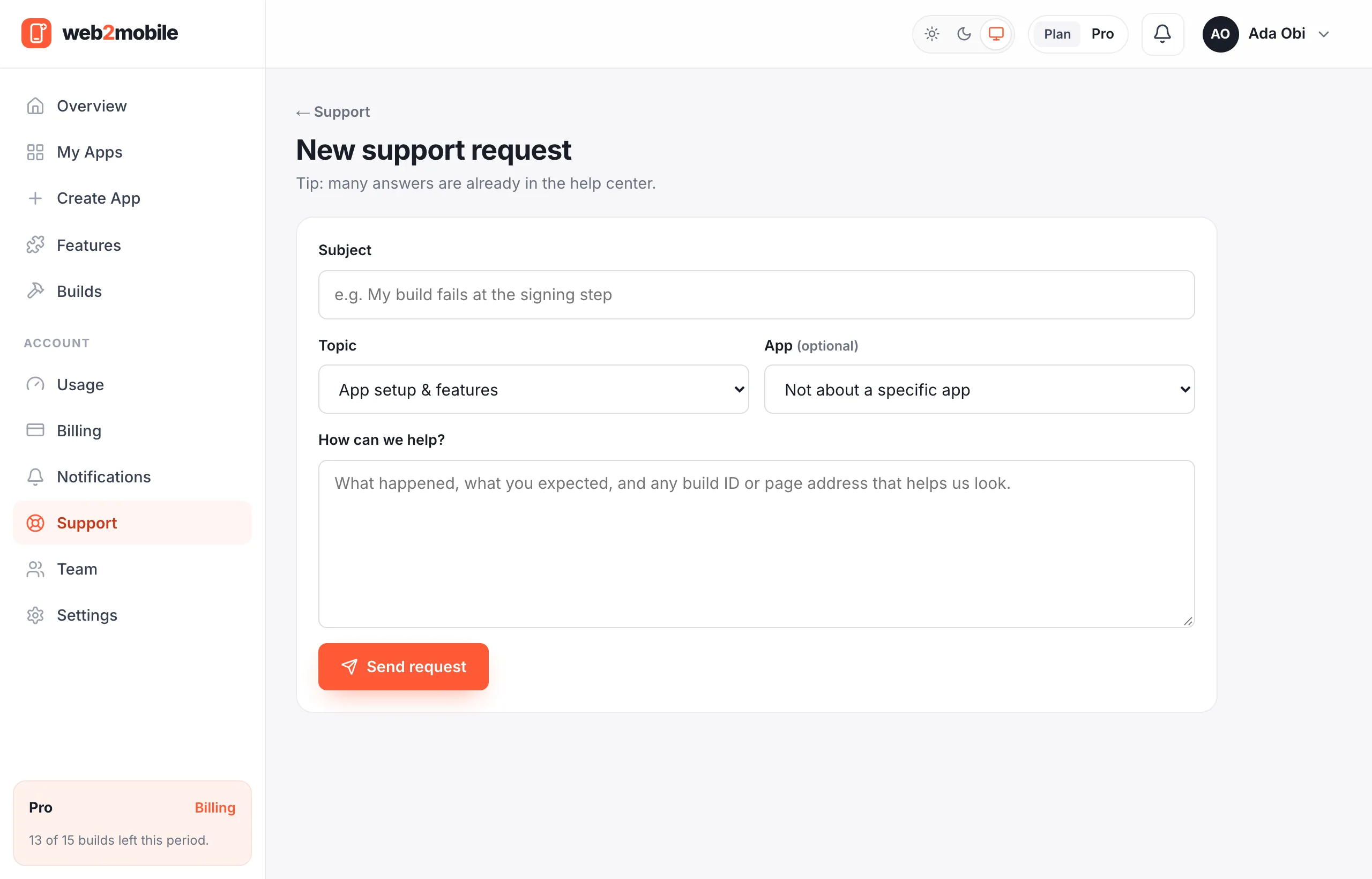
- Go to Support → New request.
- Choose a topic and the app it's about.
- Describe what happened and what you expected.
- Send. We reply by email and in Support.
Was this helpful?
- The app and, for build problems, the build ID (shown on the build page)
- For payments, the Paystack reference (on your receipt)
- Your phone model and Android version for install or app problems
- A screenshot if you can
Was this helpful?
Most questions are answered in these guides and the FAQ. When our team replies, we often link straight to the right section of a guide.
Was this helpful?
Still need help?Our team can look at your app with you.
Contact support