
App features by plan
What each native feature does, which plan includes it and how to turn it on.
On this page
Every plan (and the Free preview): custom splash screen, adaptive app icon, pull to refresh, page loading indicator, bottom navigation tabs, no-internet screen, internal vs external links, file uploads & downloads, deep links & URL schemes, location access and the native share sheet.
Pro and Business: push notifications, biometric unlock, disable screenshots, custom user agent, AAB for Google Play, the update prompt and live settings (beta), and the barcode & QR scanner (a one-time add-on per app).
Business only: app passcode and analytics integration. Publishing assistance is coming soon.
Compare plans on the Pricing page.
- Open your app → Customize → Features.
- Switch the feature on and fill in any settings it asks for.
- Build your app again — features only work in builds made after you turn them on.
Some features are a one-time add-on for one app (for example the barcode & QR scanner). Tap Unlock next to the feature, pay once, and it's yours for that app.
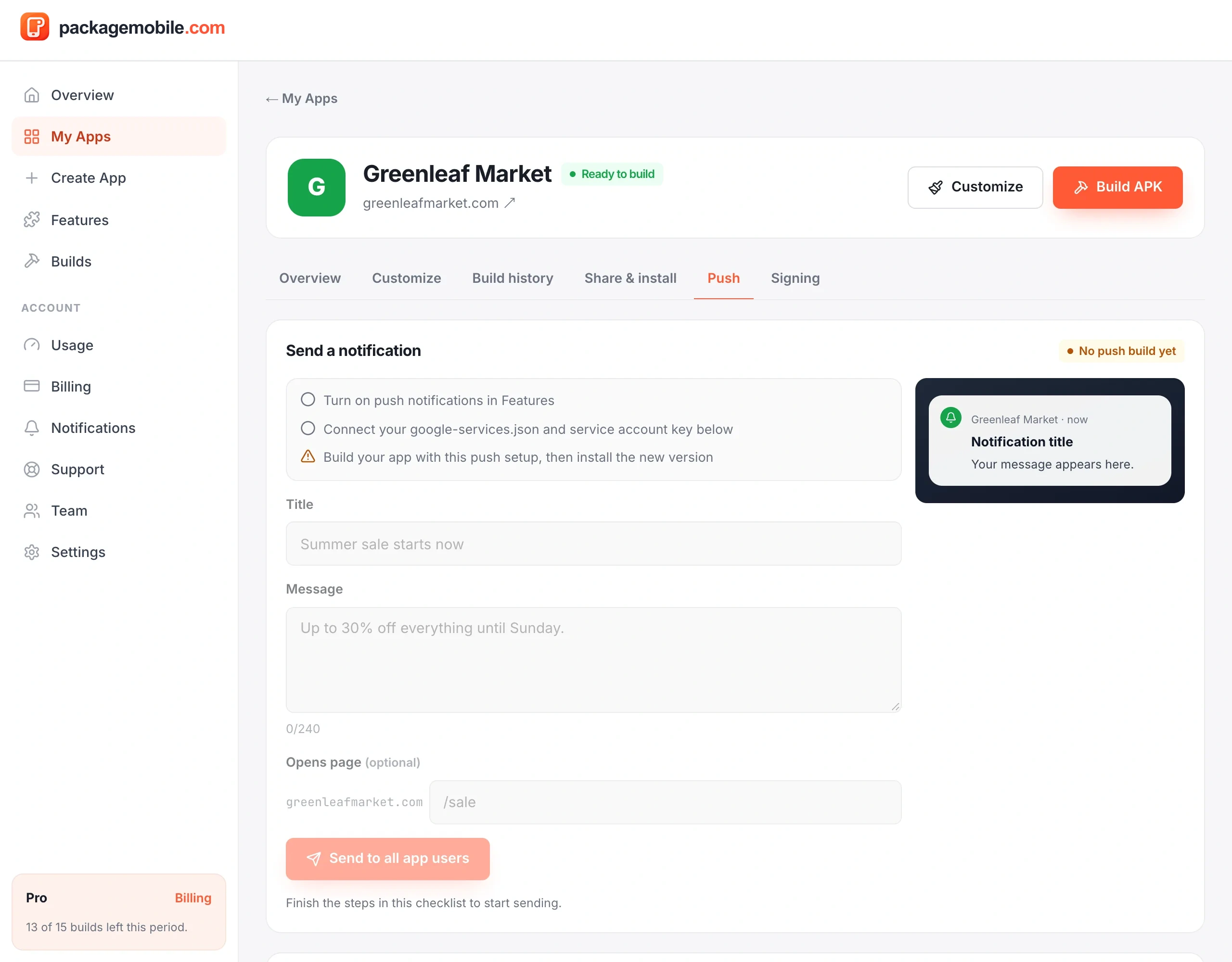
Push notifications are included from the Pro plan. Choose how they're delivered:
- packagemobile.com push — nothing to set up; send from your dashboard.
- Your own Firebase — connect your Firebase project (Project settings → Service accounts → Generate new private key) and send from your dashboard or the Firebase console.
- Turn on Push notifications in your app's Features.
- Choose a delivery option on the Push page.
- Build and install your app again.
- Send a test notification.