
Manage your card and auto-renewal
See your saved card, turn auto-renewal off or on, remove your card and handle failed renewals.
On this page
When you pay for a plan by card, Paystack saves the card securely so your plan renews automatically at the end of each month or year. We charge the saved card on the renewal date at that day's rate and email you a receipt.
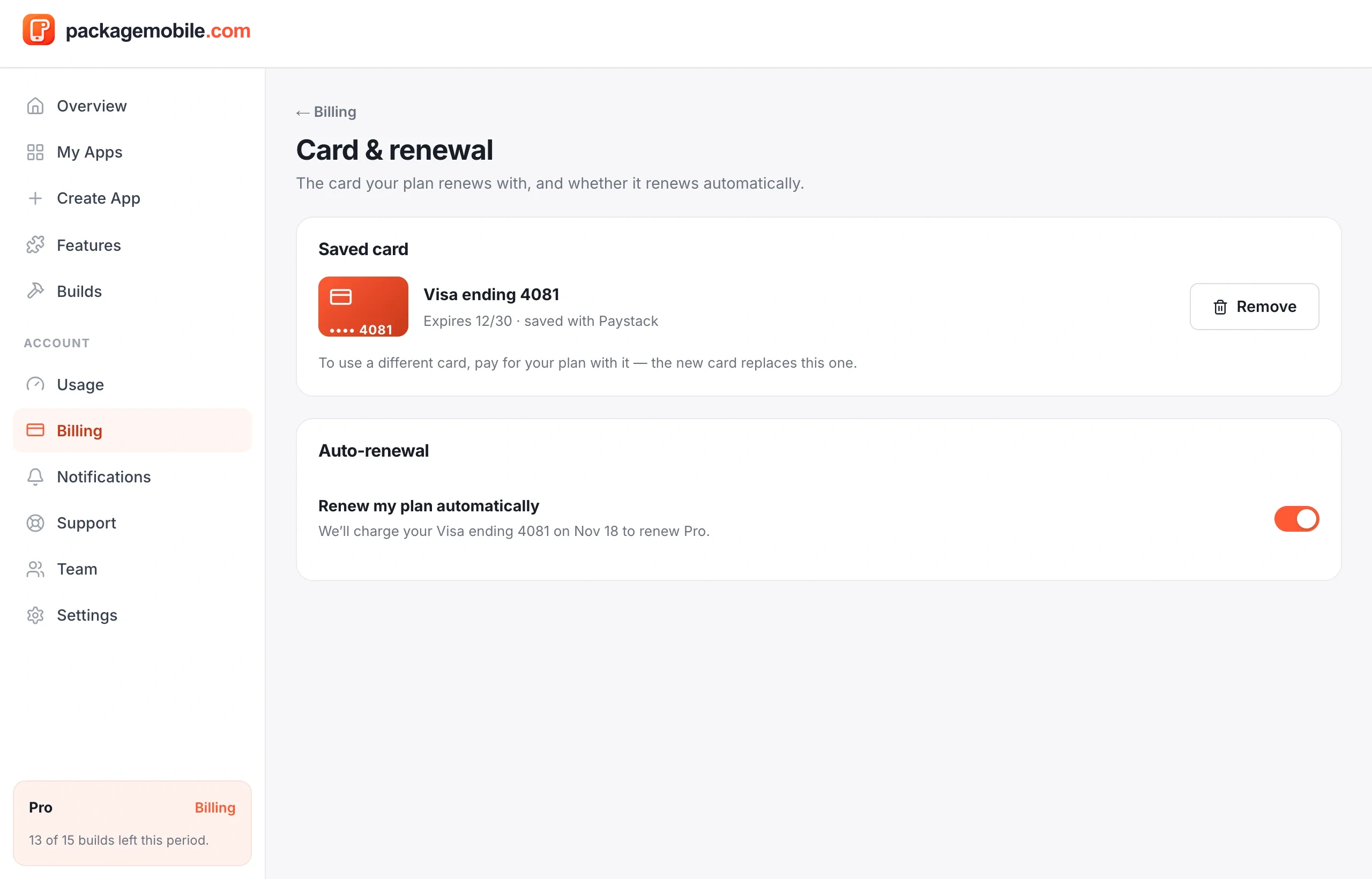
- Go to Billing → Card & renewal.
- Switch off Renew my plan automatically.
You keep your plan until the end of the period you paid for, and you won't be charged again. Switch it back on any time before then to keep your plan.
- Go to Billing → Card & renewal and tap Remove.
- Confirm with Remove card.
The card is deleted and deactivated at Paystack, so it can't be charged again. Auto-renewal turns off, and your plan ends at the end of the period unless you pay again.
Pay for your plan with the new card (Billing → your plan). The new card replaces the old one for renewals.
If your card is declined, your plan stays active for 3 days while we try again each day, and we let you know. To fix it, go to Billing and tap Pay now, or pay with another card. After 3 days without payment, your account moves to the Free preview — your apps and settings are kept.