Getting started
Create your account, verify your email and find your way around the dashboard.
On this page
packagemobile.com turns a website you already have into a branded Android app. You enter your website address, choose your app's name, icon and colors, and we build the app in the cloud. You don't need Android Studio or any coding.
The app shows your live website inside a fast, full-screen app with native touches like a splash screen, pull to refresh, a no-internet screen and (on some plans) push notifications. When you update your website, the app shows the changes straight away — you only rebuild when you change the app itself.
- Go to Create account and enter your name, email and a password (at least 8 characters).
- Open the email we send you and tap Verify email. The link works for 24 hours.
- Sign in. You'll see a short welcome, then your dashboard.
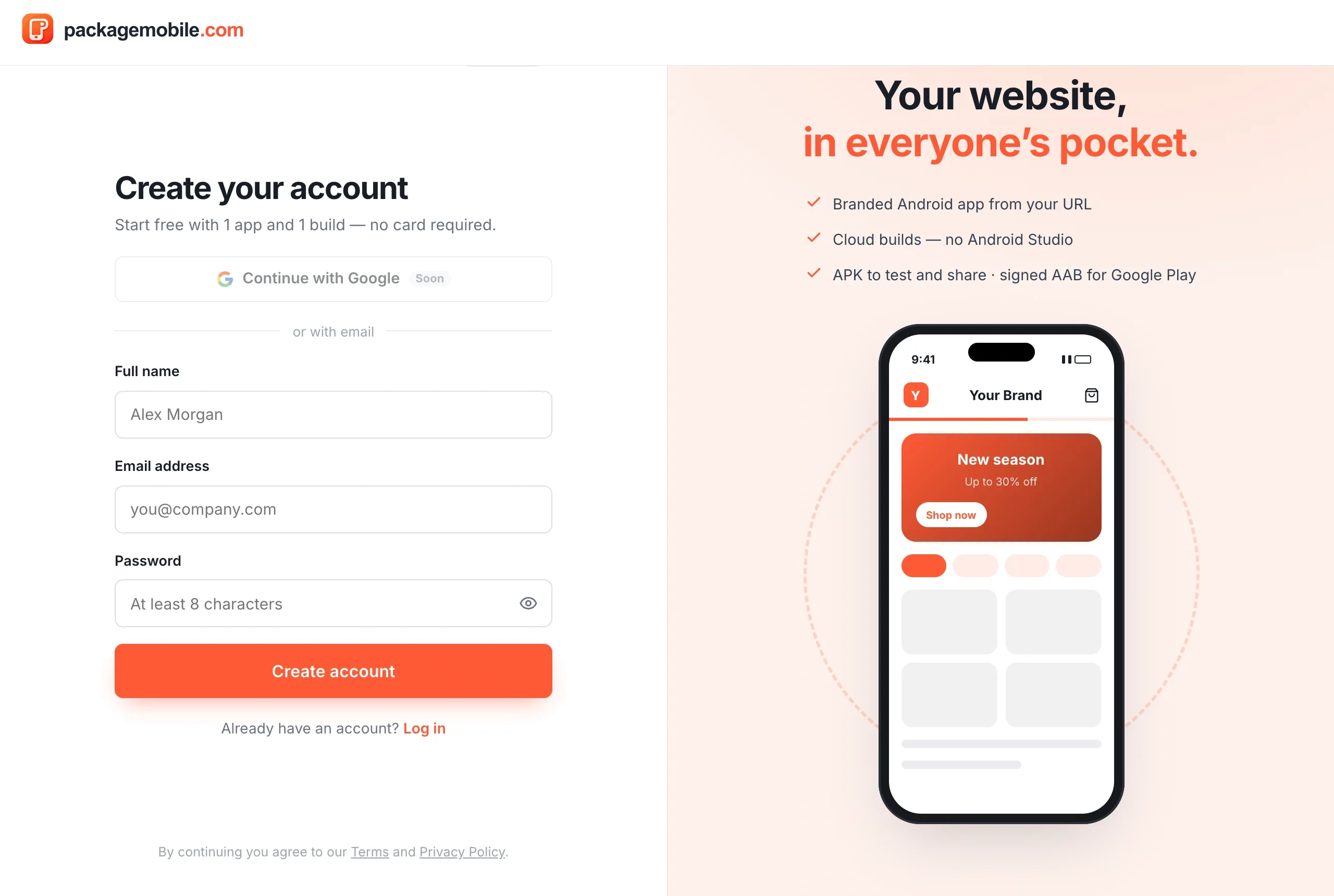
Every account starts on the Free preview: you can create 1 app and run 1 build with Starter features — no card needed. It's enough to see your website as a real app on your phone. Choose a plan when you want more builds, more apps or premium features.
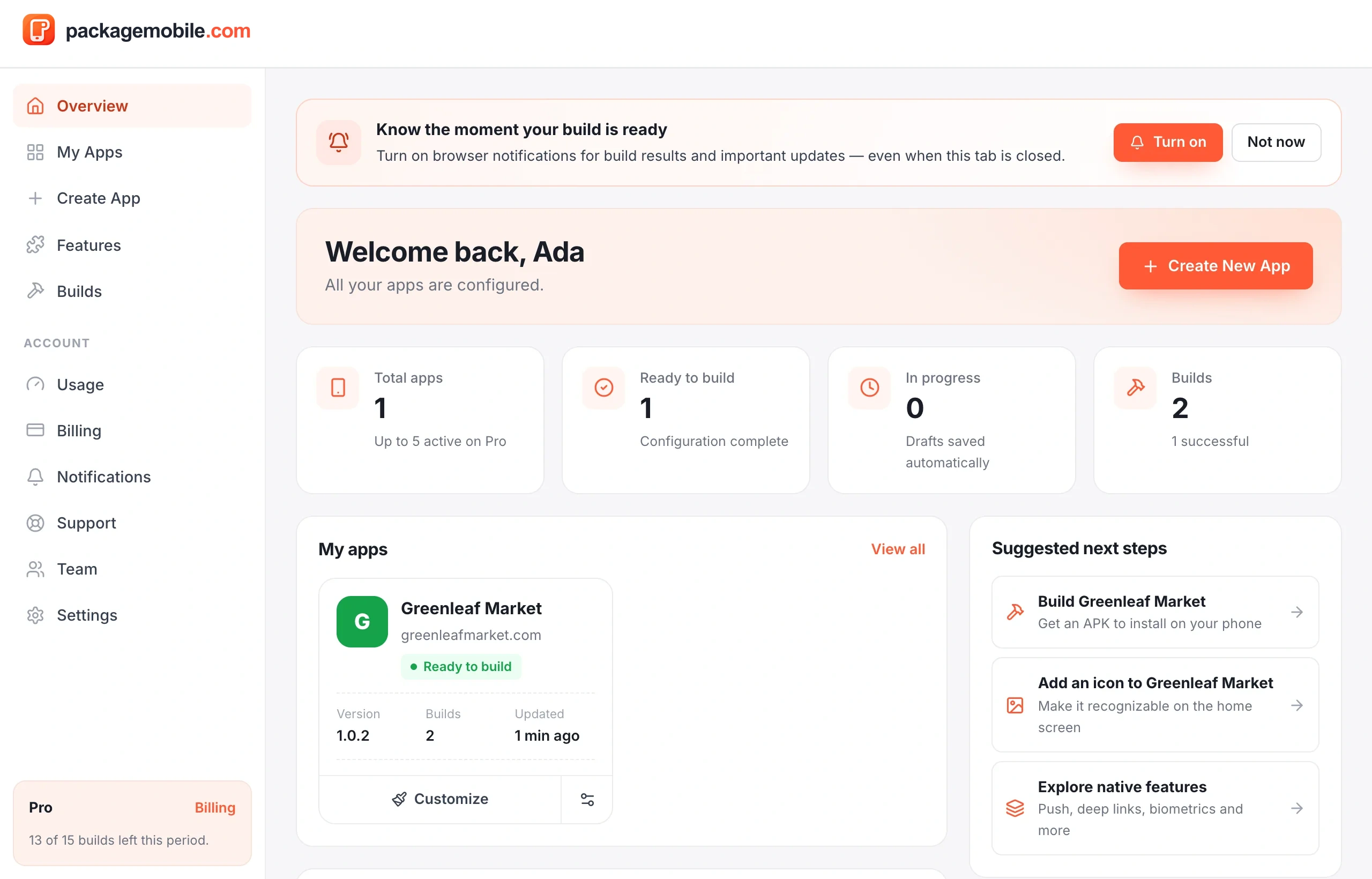
- Overview — your apps, recent builds and what to do next.
- My Apps — every app; open one to customize it, build it, share it and more.
- Create App — start a new app from a website.
- Builds — every build across your apps.
- Billing — your plan, card, auto-renewal and receipts.
- Support — ask our team for help.
- Team — invite people to work on your apps with you (Business plan). See Team workspaces.
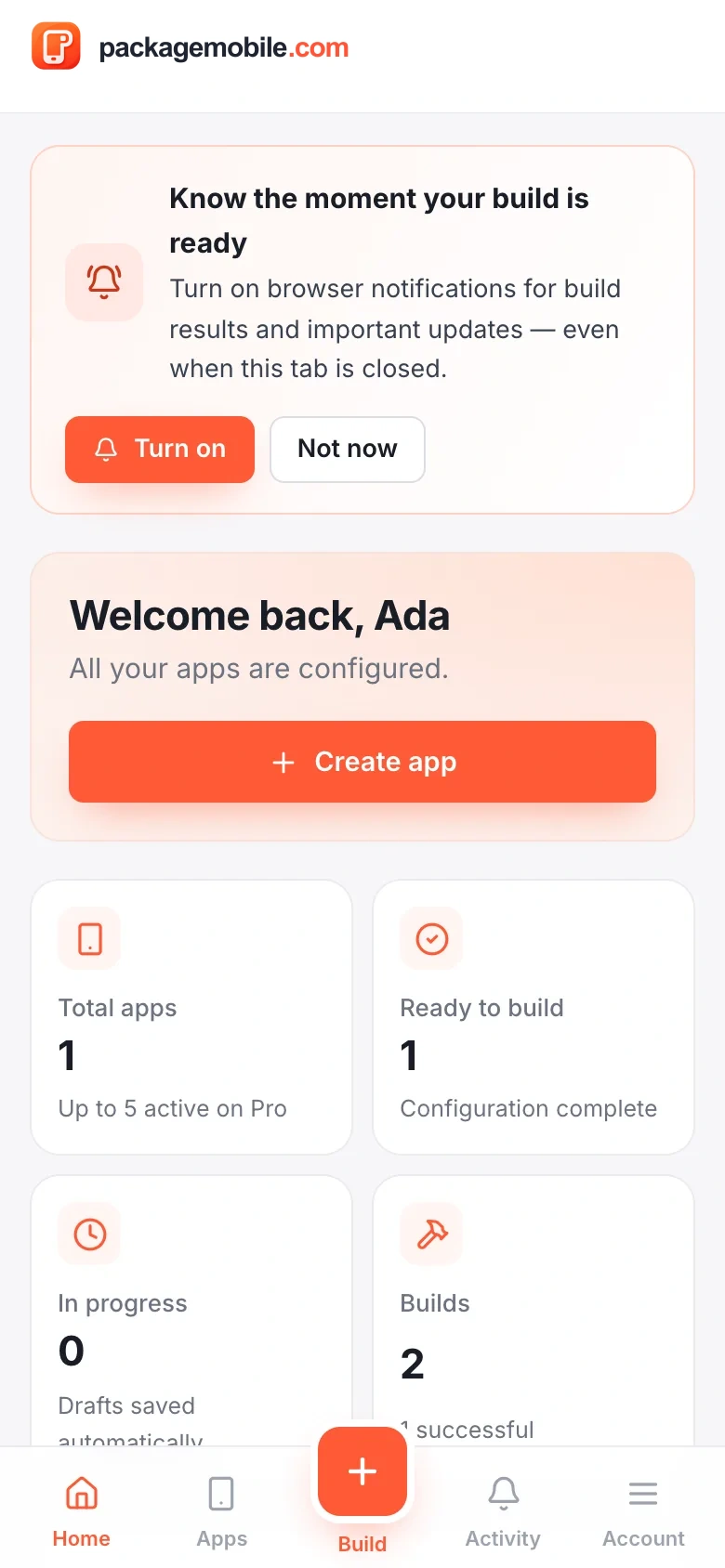
On a phone, the same places are in the bottom bar. Tap Account for billing, settings, team, support and switching workspaces.