
Install the APK on your phone
Put your app on an Android phone to test it — no Play Store needed.
On this page
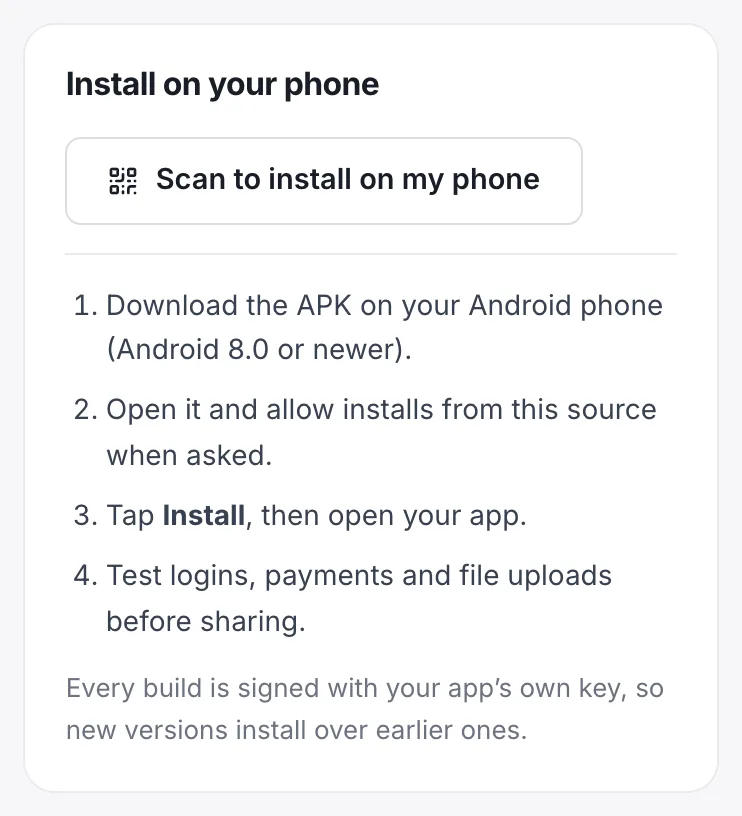
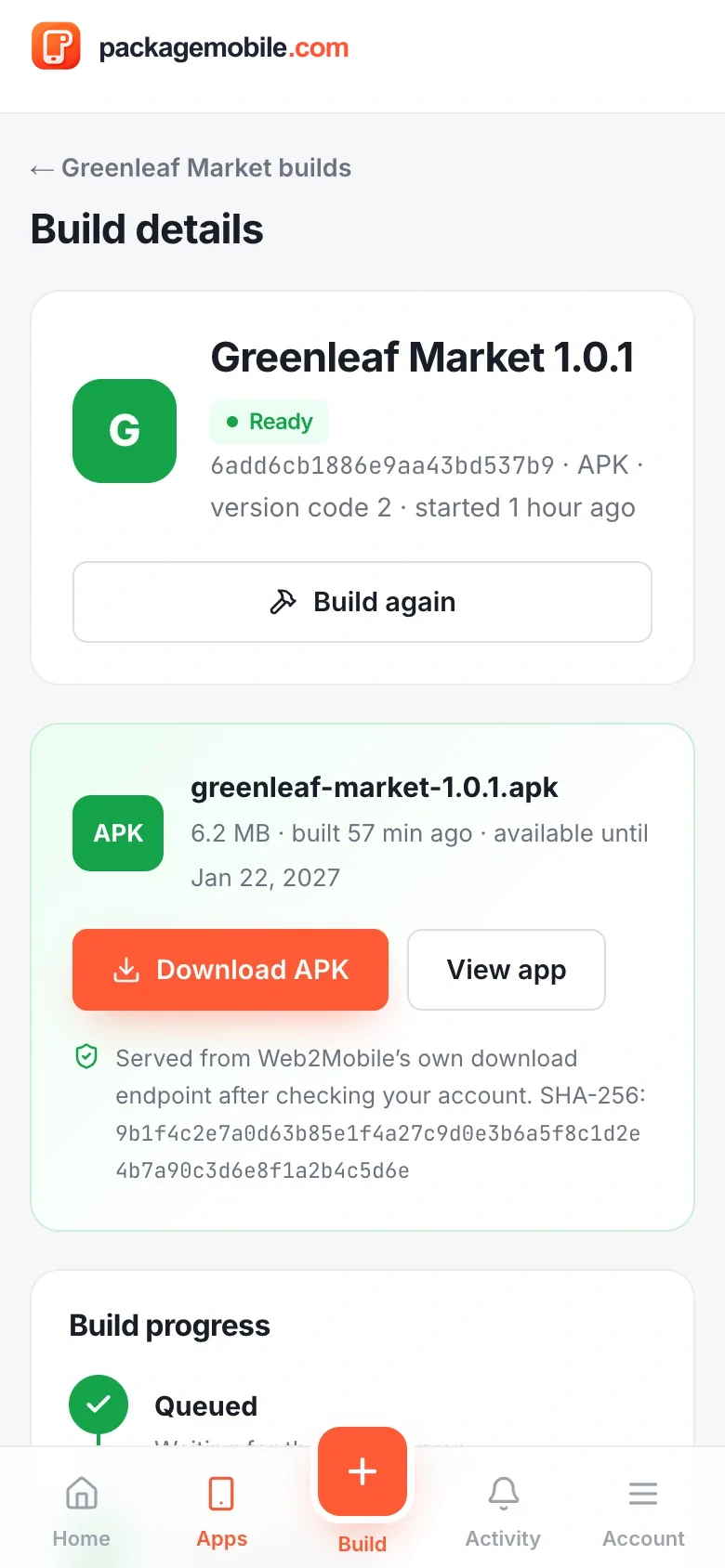
- On the finished build, tap Scan to install on my phone.
- Point your phone's camera at the code and open the link.
- Tap Download, then open the downloaded file.
Was this helpful?
Android asks before installing apps from outside the Play Store. When you open the APK:
- Tap Settings on the message that appears.
- Turn on Allow from this source (for your browser or Files app).
- Go back and tap Install, then Open.
Your phone needs Android 8.0 or newer. Google Play Protect may scan the app first — that's normal for apps installed outside the Play Store.
Was this helpful?
- Sign in and sign out of your website
- Payments and checkout
- File uploads (photos, documents) and downloads
- Links to other websites
- The back button
- Turn on airplane mode to see your no-internet screen
Was this helpful?
- An older copy signed with a different key is on the phone (for example from another tool). Uninstall it first.
- The download didn't finish — download it again.
- Not enough storage on the phone.
Was this helpful?
Was this helpful?
Still need help?Our team can look at your app with you.
Contact support