
Account and security
Update your profile, change your password, turn on two-factor authentication and passkeys.
On this page
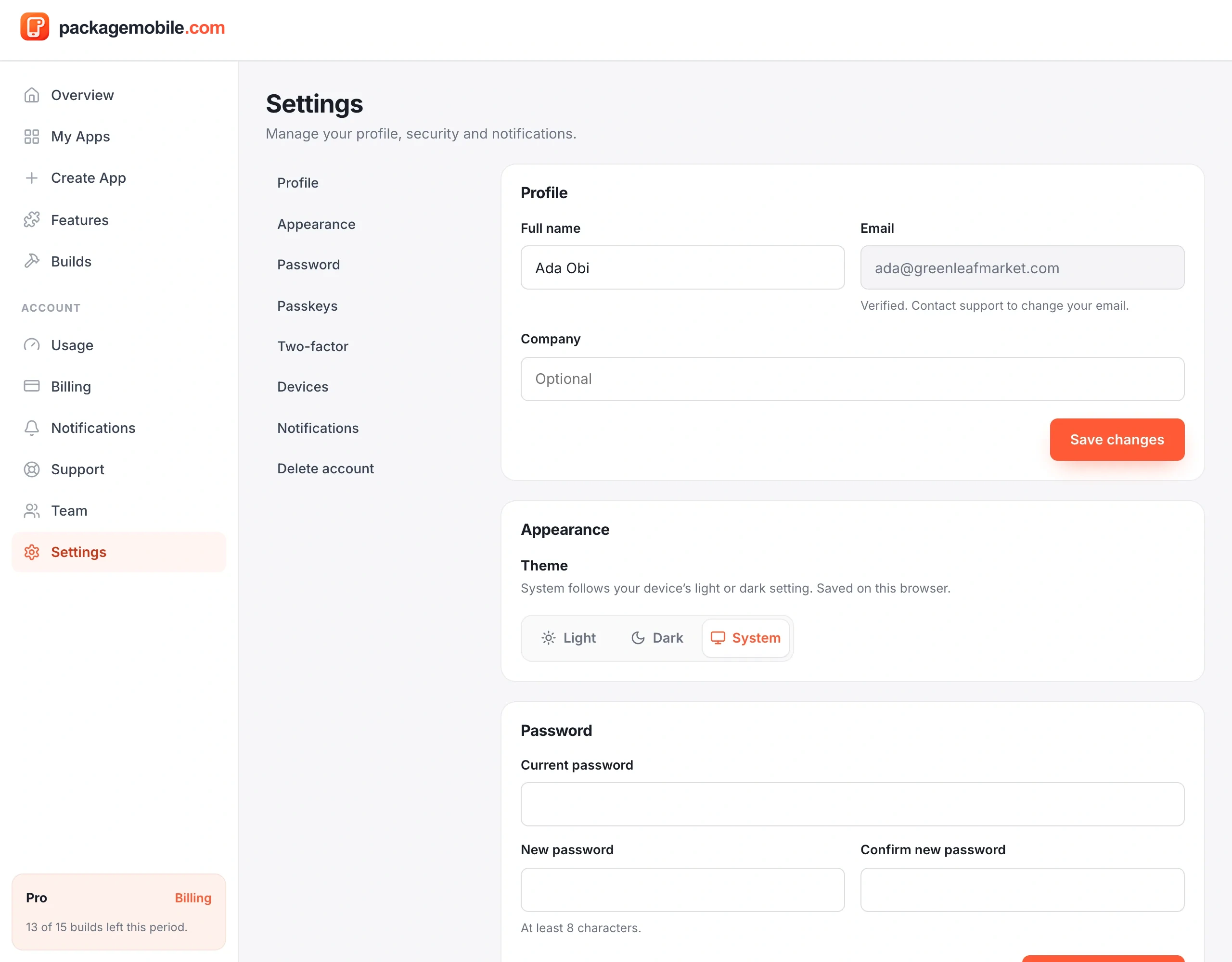
Update your name and company under Settings → Profile. To change your password, enter your current password and a new one (at least 8 characters). Other devices are signed out when your password changes.
Forgot it? Use Forgot password on the sign-in page — the reset link works for 30 minutes.
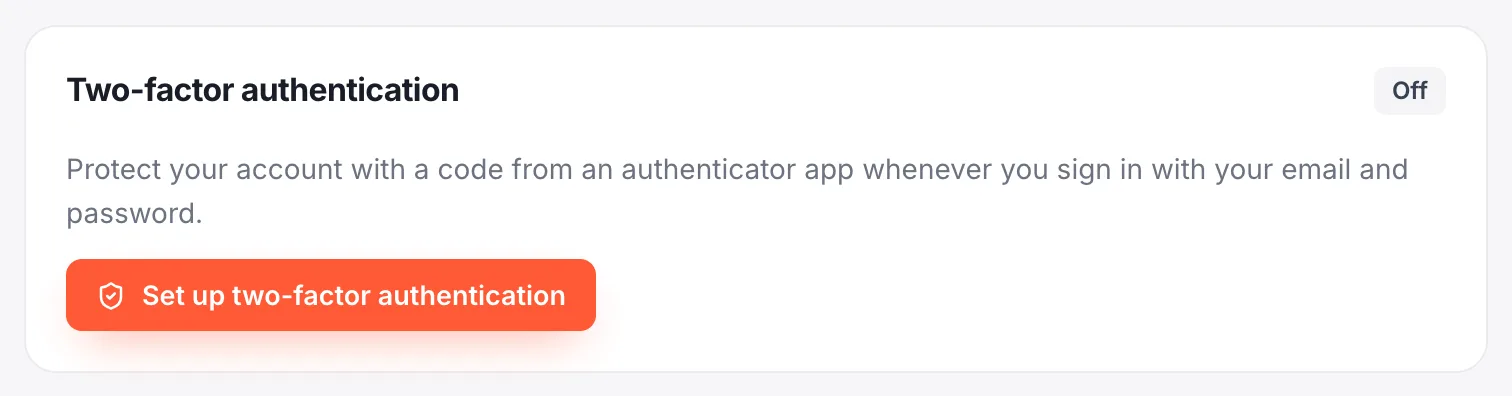
- Tap Set up two-factor authentication.
- Scan the QR code with an authenticator app (Google Authenticator, Microsoft Authenticator, 1Password…).
- Enter the 6-digit code to confirm.
- Save your recovery codes somewhere safe — they let you sign in if you lose your phone.
Sign in with your fingerprint, face or device PIN instead of a password. Add a passkey under Settings → Passkeys on each device you use.
See where you're signed in and sign out other devices under Settings → Signed-in devices.
Choose which emails you get under Settings → Email notifications: Build updates, Credit alerts, Artifact expiry reminders and Product news. Security alerts, receipts and failed payments are always sent.
Go to Settings → Delete account. This permanently deletes your account, apps, builds and files and can't be undone. Cancel any paid plan first by turning off auto-renewal.