
Customize your app
Name, package ID, icon, splash screen, colors, navigation and native features.
On this page
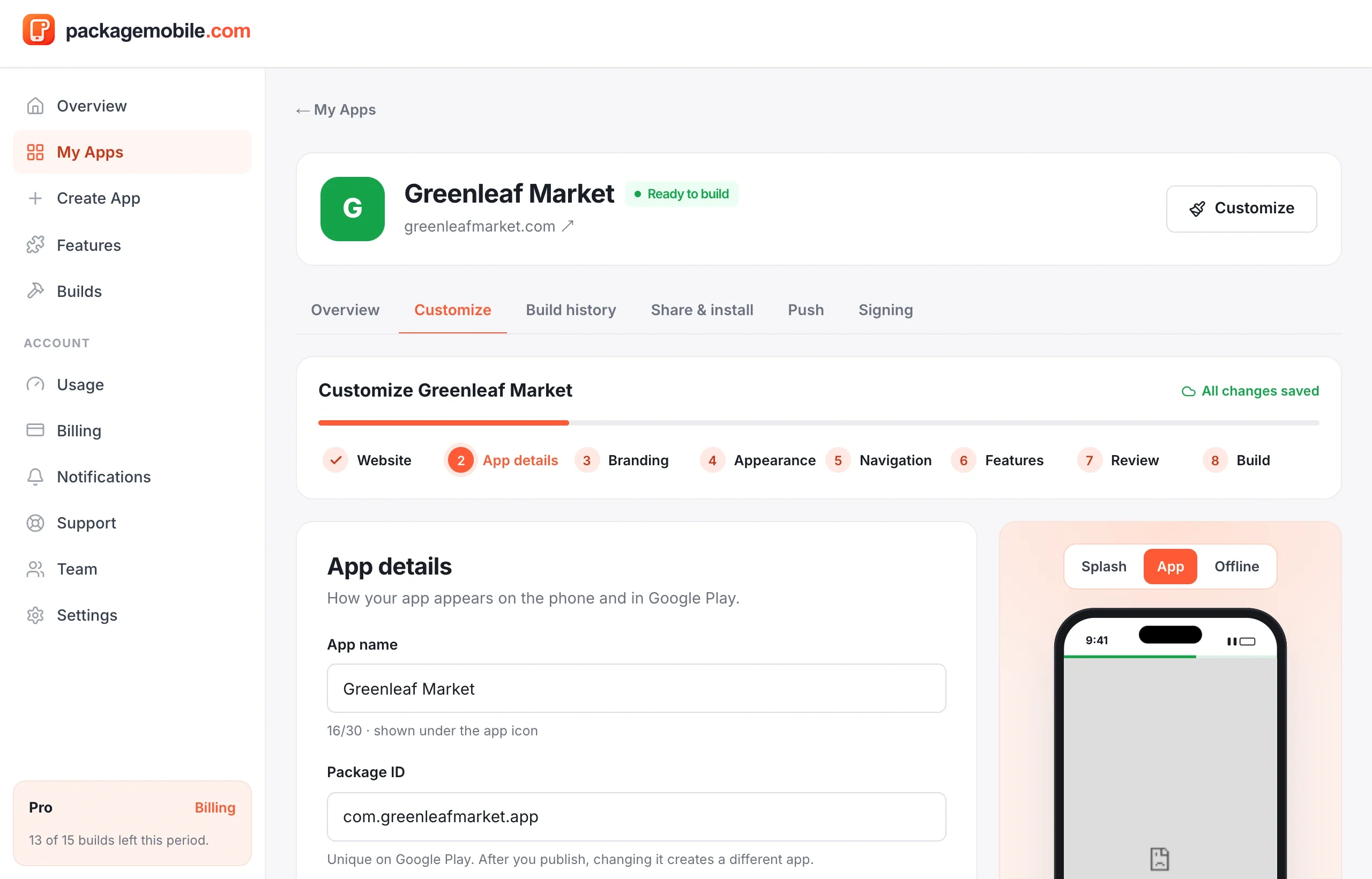
- App name — shown under the icon on the phone. Keep it under 30 characters.
- Package ID — your app's permanent ID on Android and Google Play, like
com.yourcompany.app. We suggest one from your website; you can change it. - Short description and Support URL — optional.
- Version — starts at
1.0.0and goes up automatically with each successful build. The version code is managed for you.
Once your app is on Google Play, don't change the package ID — Android treats a new package ID as a completely different app, and your users won't get updates.
Was this helpful?
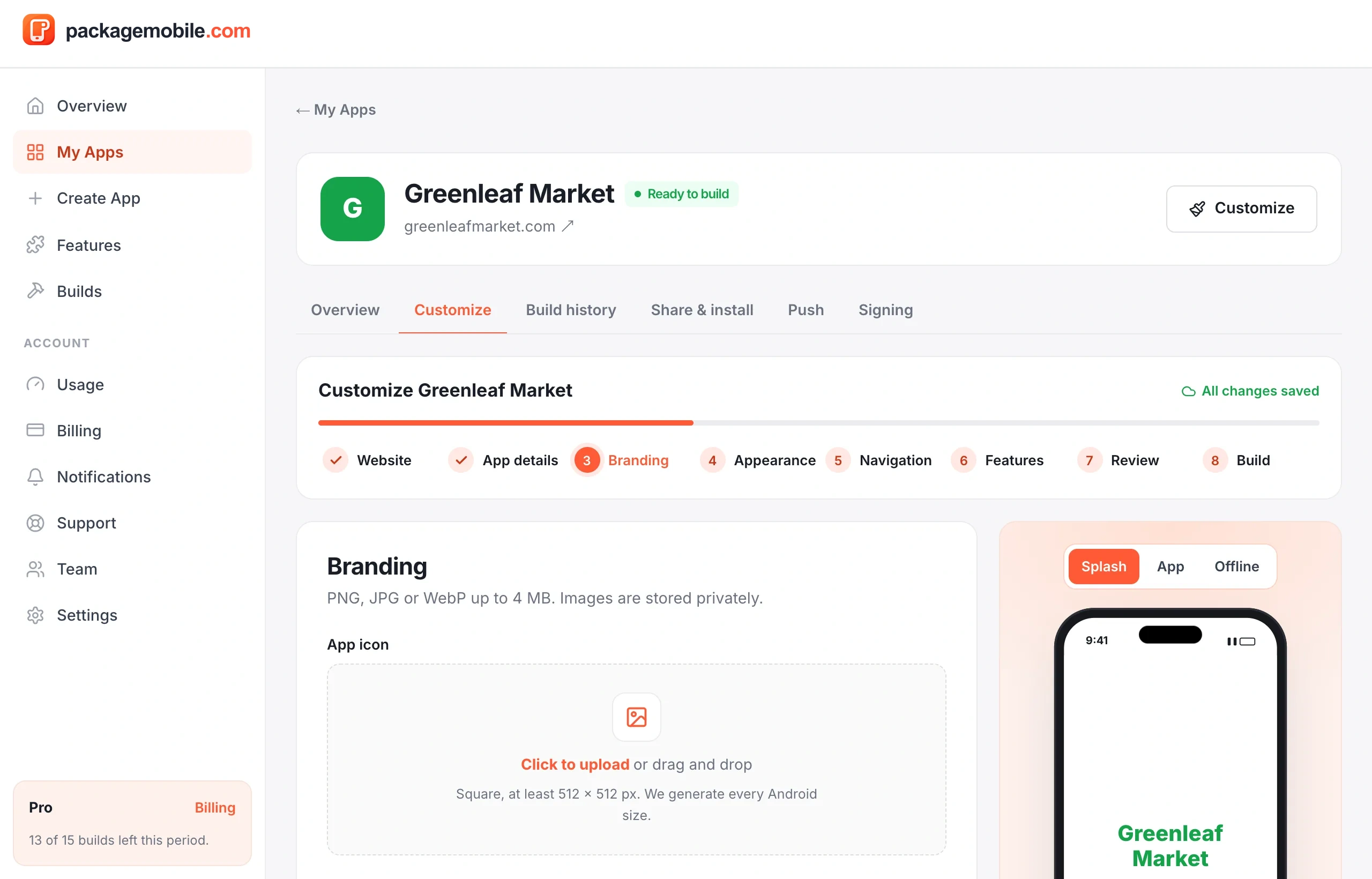
- App icon — a square image, at least 512 × 512 px (PNG or JPG). No icon? We make one from your app's initials.
- Splash image — shown while the app opens; at least 512 px on its shorter side. A logo on a transparent background works best.
- Splash background — the color behind the splash image.
Was this helpful?
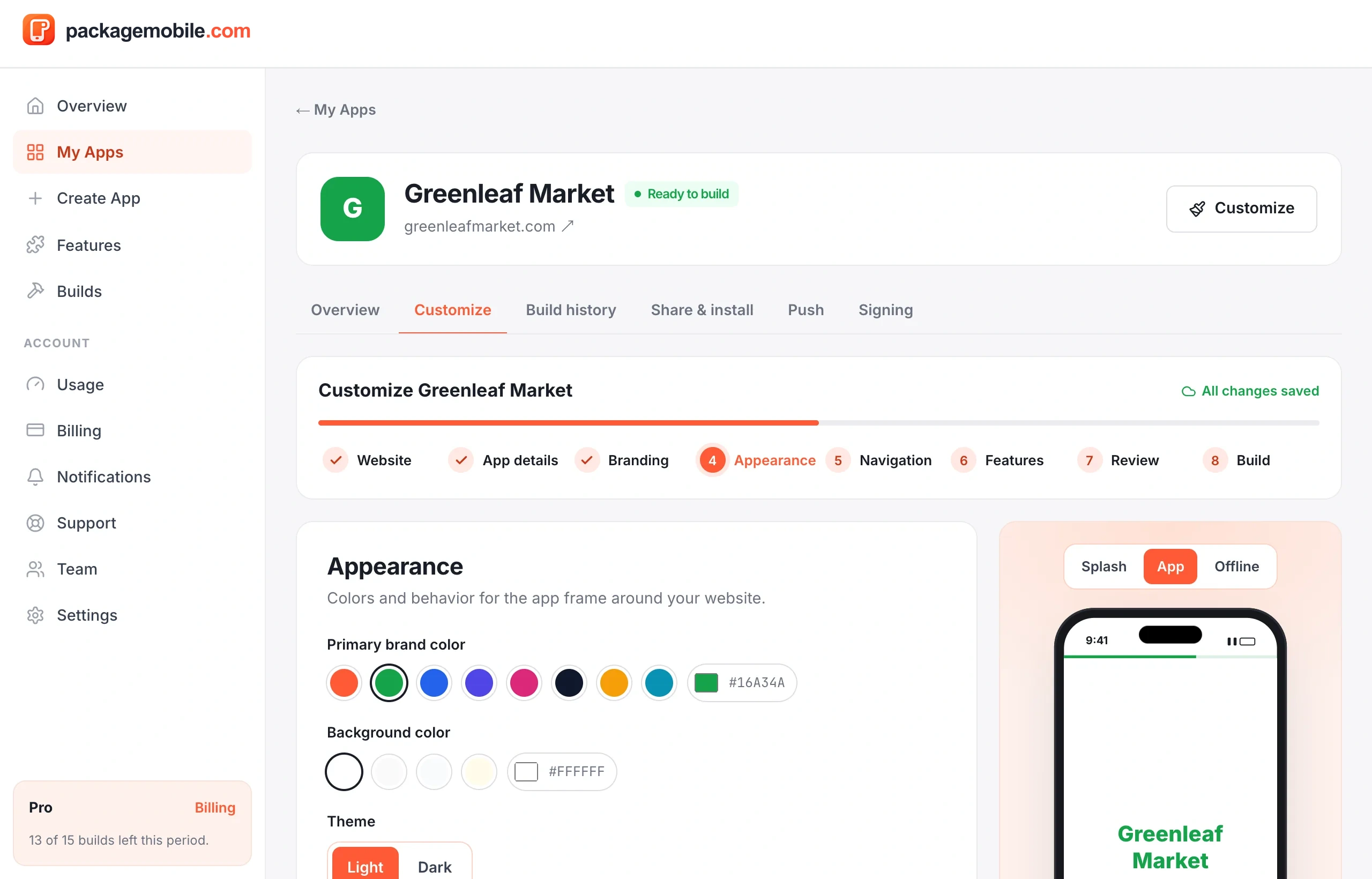
Pick your primary brand color (used for the loading bar and highlights), the background color, light or dark status bar icons, the theme and whether the app turns with the phone (orientation).
Was this helpful?
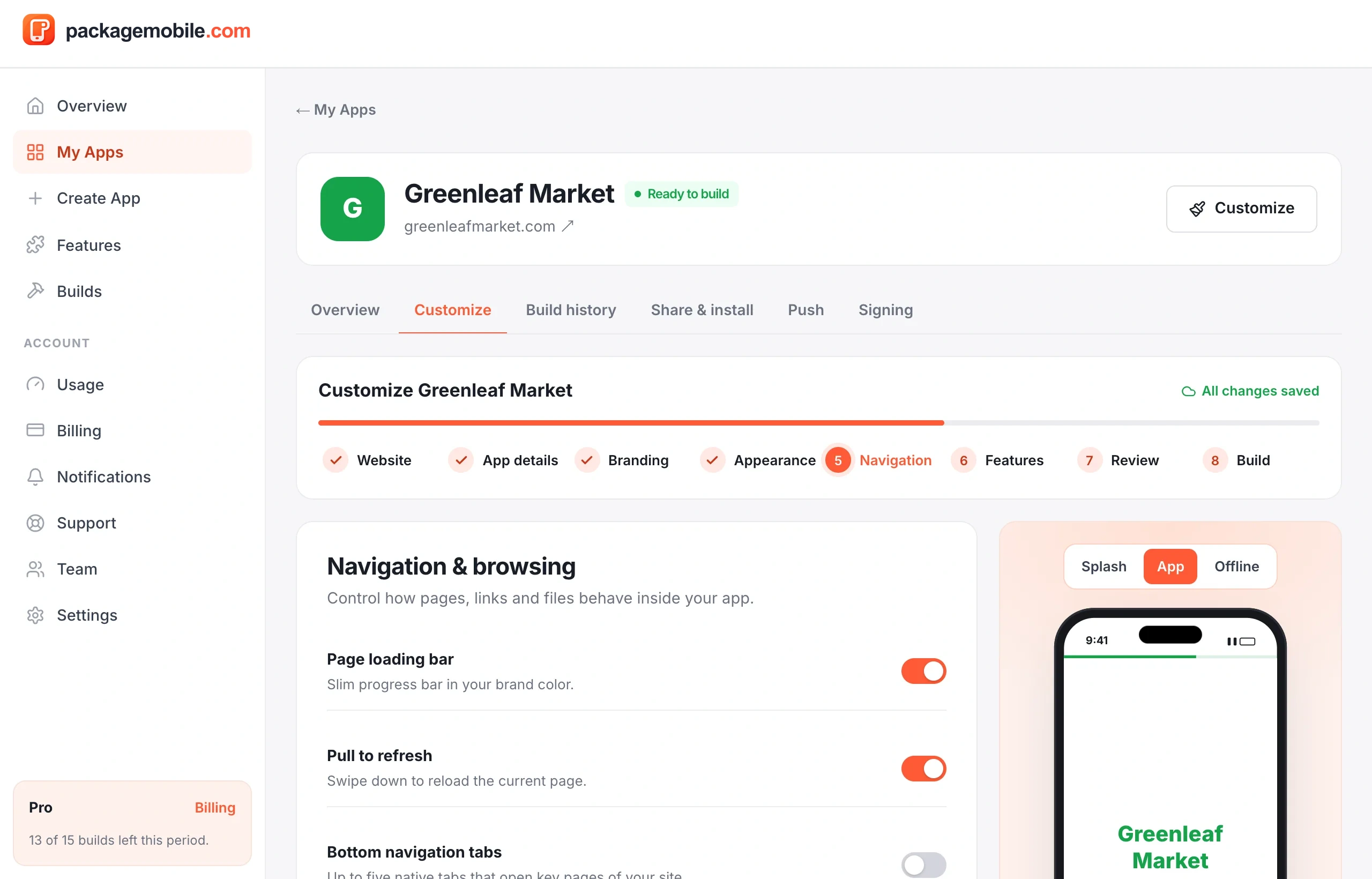
- Page loading bar and Pull to refresh — on by default.
- Android back button — goes back a page in your site before leaving the app.
- Links to other websites — open them in the phone's browser or inside the app.
- Domains allowed inside the app — add other domains your site needs (for example your payment or login provider) so they stay inside the app.
- File uploads and File downloads — let your site's upload buttons and downloads work.
- Bottom navigation tabs — up to five shortcuts to pages of your site.
- Custom error & offline screens — what people see when there's no internet.
If sign-in or payment pages open in the browser instead of the app, add their domains under Domains allowed inside the app.
Was this helpful?
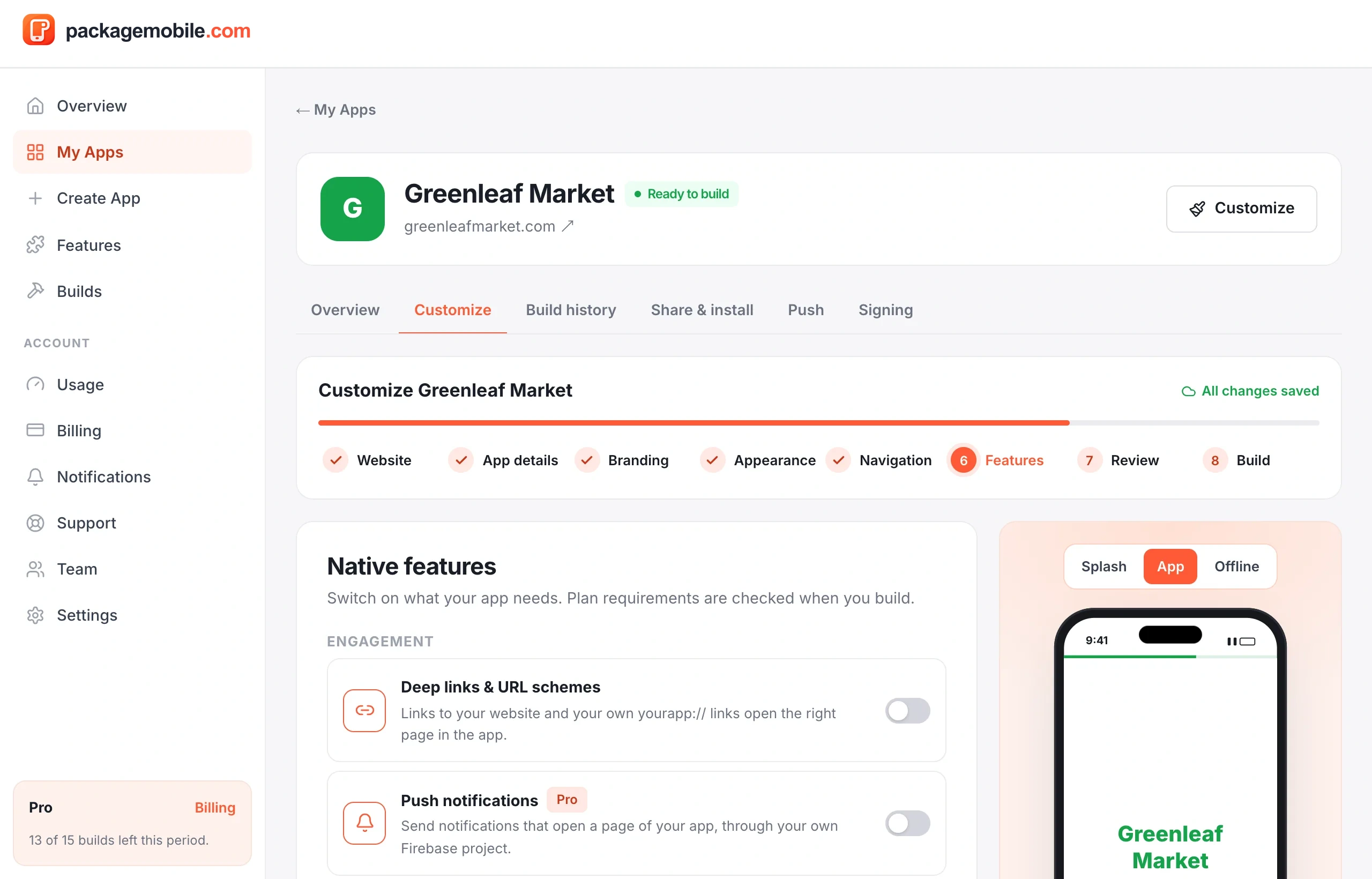
Turn on extras like the native share sheet, location access, deep links, push notifications or biometric unlock. Each feature shows whether it's Included in your plan, needs an upgrade, is a one-time add-on for this app, or is coming soon.
A feature only works in builds made after you turn it on — build your app again to get it. See App features by plan.
Was this helpful?
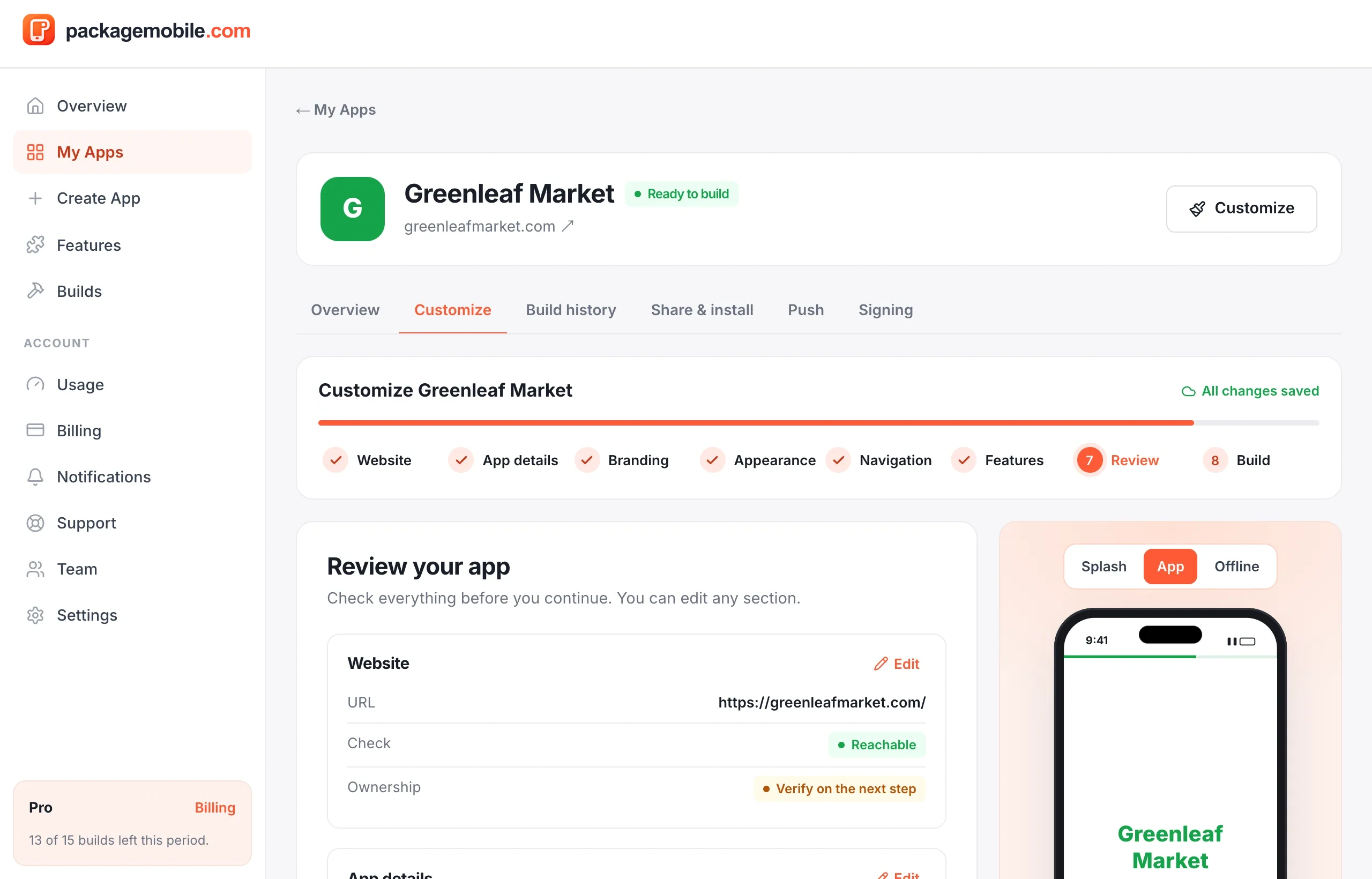
Check your choices in one place, then continue to Build. Next: Build and download your app.
Was this helpful?
Still need help?Our team can look at your app with you.
Contact support