Build and download your app
Start a cloud build, follow its progress and download your APK or AAB.
On this page
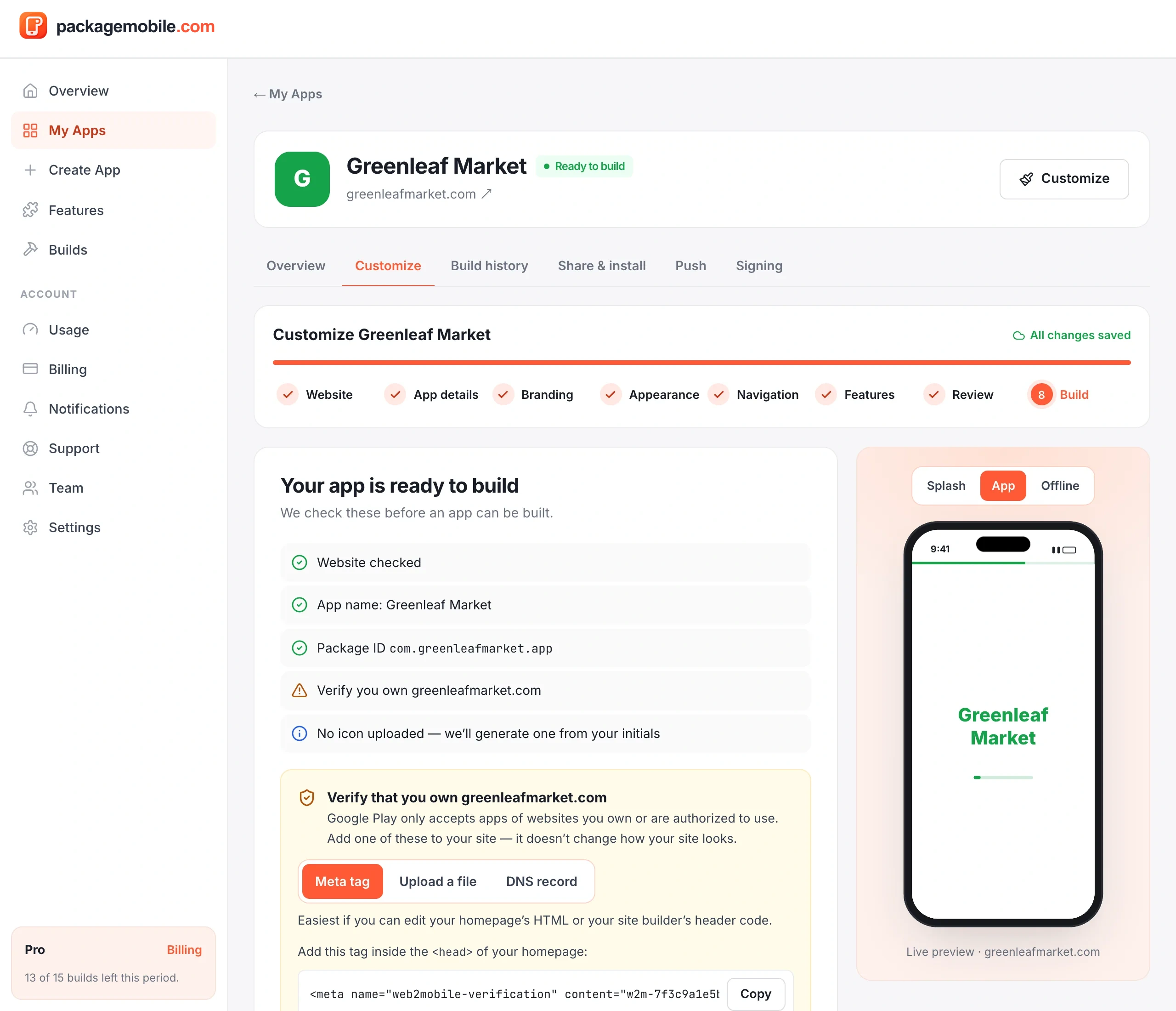
- Open your app and go to the Build step (or tap Build APK on the app's page).
- Make sure the required items in the checklist are done. Verifying your website is optional but recommended.
- Choose APK (to install and test on phones) or AAB (to upload to Google Play — included from the Pro plan).
- Tap Build. One build from your plan's allowance is used; a build that fails or is cancelled gives it back.
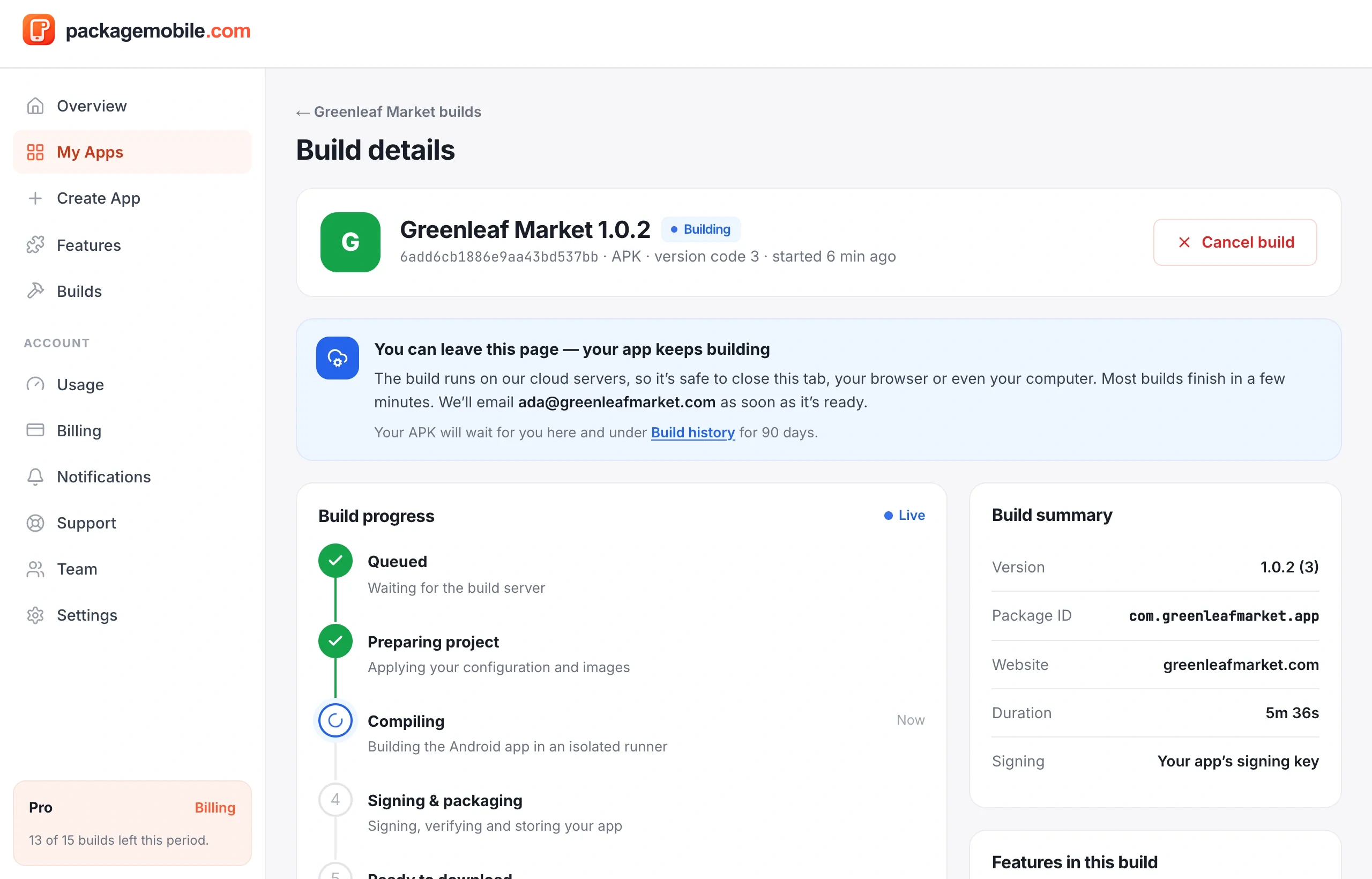
Builds run in the cloud and usually take 5–15 minutes. You can close the page; we'll email you and show a notification when it's done.
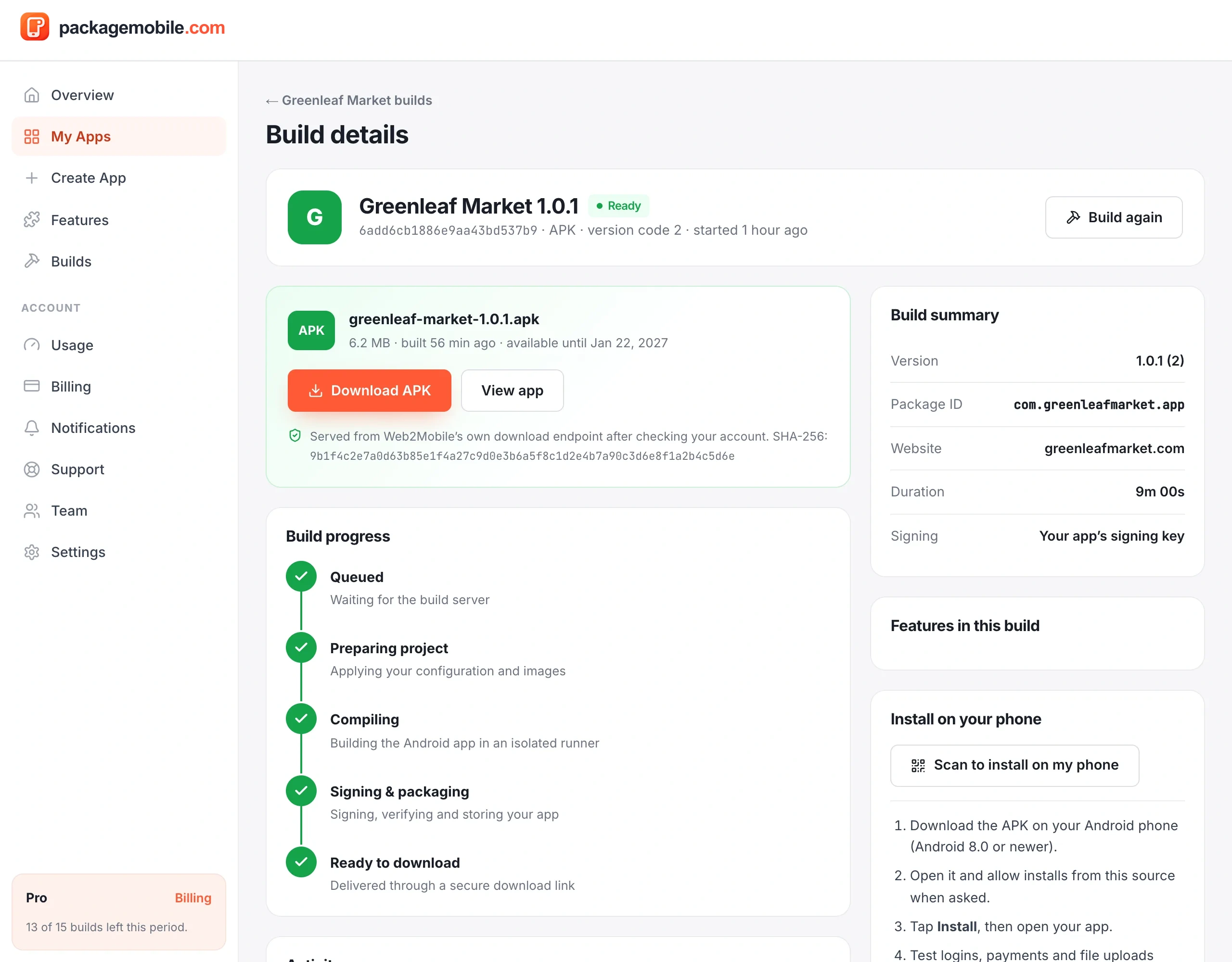
Tap Download APK. The file comes from our own secure download page after checking your account. Each download shows its SHA-256 checksum so you can confirm the file is genuine.
To put it on your phone, see Install the APK on your phone.
Below the download, Your App Designs prepares your app icon, Google Play graphics and screenshots — see App Design Studio.
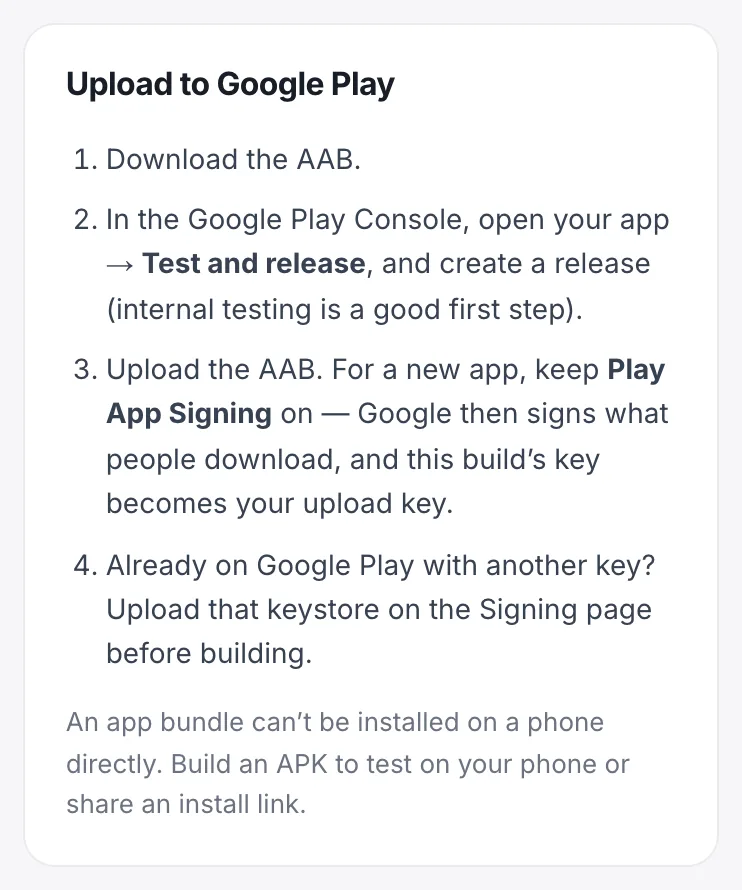
An AAB (Android App Bundle) is what Google Play wants. It can't be installed on a phone directly — build an APK to test. See Publish on Google Play.
Each successful build gets the next version (1.0.0 → 1.0.1 …). Every build is signed with your app's own key, so new versions install over older ones without losing anything.
- Free preview and Starter: 30 days
- Pro: 90 days
- Business: 365 days
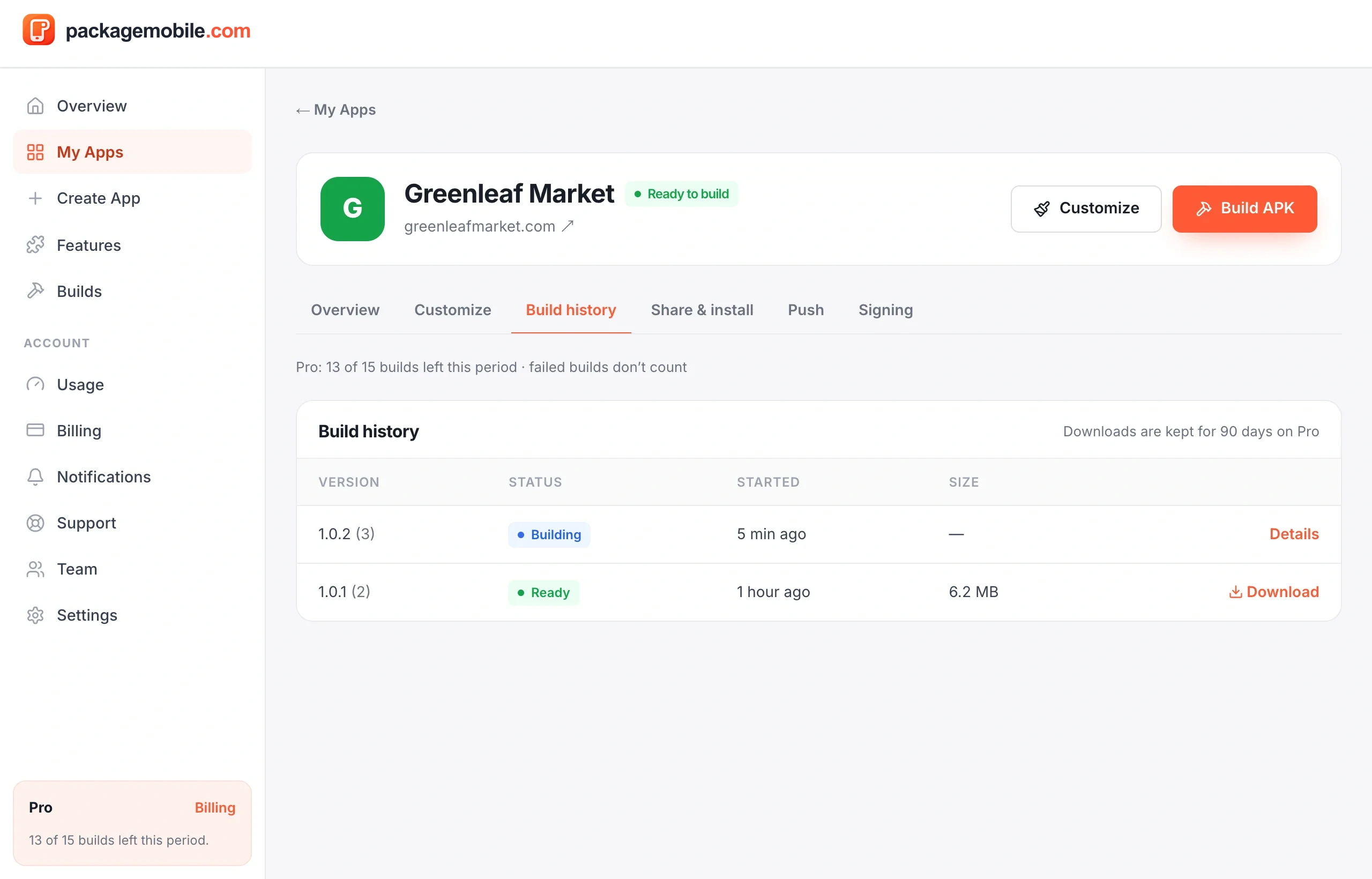
After that the file is removed. Build again any time to get a fresh download — your app's settings are always kept. See all your builds under Build history.